
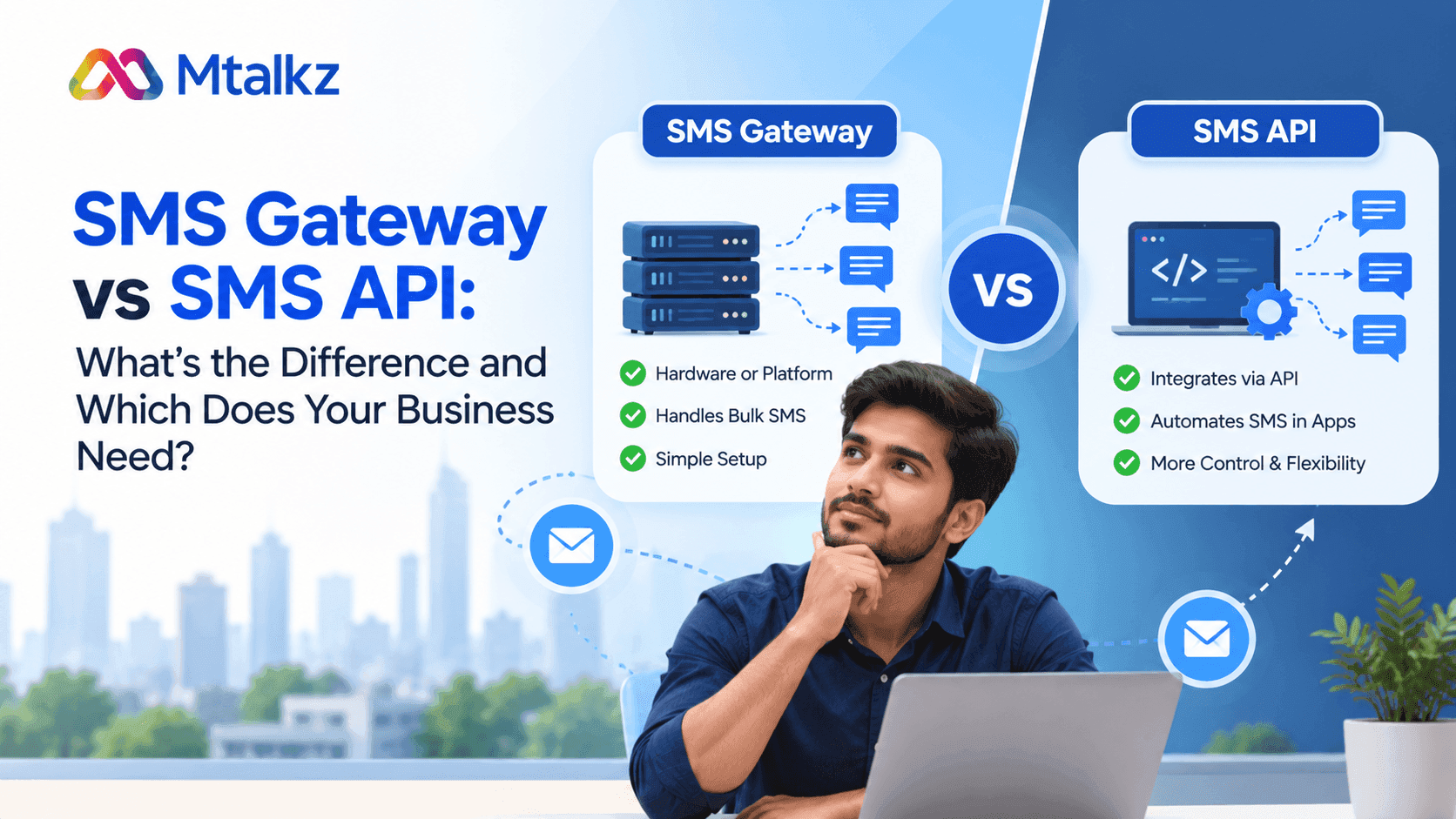
SMS Gateway vs SMS API: What’s the Difference and Which Does Your Business Need?
Every business uses SMS to communicate with their customers. They need to send text messages when they have to share order updates, payment alerts, appointment reminders, OTPs and promotional messages.
There is no problem when they need to send SMS in smaller amounts. However, sending these messages at scale demands a system that connects business applications to mobile networks. That’s where businesses need SMS gateways and SMS APIs.
They are closely related, but they do not mean exactly the same thing. Through an SMS gateway, you connect to mobile networks and send/receive messages. Whereas SMS APIs allow you to use software applications to access messaging services through code.
By knowing the difference between an SMS gateway and an SMS API, you can select the right solution for your communication needs. You will know when to use a ready-to-use messaging platform, software integration, or a combination of both.
Let’s understand both concepts in more detail
What Is an SMS Gateway?
An SMS gateway is a platform or service that connects businesses to mobile networks to send and receive text messages. It acts as a bridge between your business and the mobile network.
For example:
You own a clothing store and want to send a Diwali offer to 1,000 customers. For that, you have to log in to the website of an SMS gateway service provider.
- Upload the mobile numbers of your customers and compose a good message such as “Shop for Diwali and enjoy 15% off on every purchase."
- When you click the send button, the Gateway processes the messages and routes them through mobile networks.
- Your customers receive the message on their phones.
An SMS gateway allows you to send messages to your customers. You can send different types of messages such as transactional SMS, OTP, promotional messages and service reminders.
You may get a web dashboard when using SMS gateways, where teams can manage campaigns, upload contact lists, schedule messages and review delivery reports. Some gateways also provide APIs, allowing developers to connect the service with websites, mobile apps, CRMs and other business systems.
What Is an SMS API
An SMS API connects your website, app, or software with a messaging service to send SMS messages automatically. It acts as a messenger between your software and the SMS service.
For example, you have an online handbag website. A customer places an order for a handbag and pays the final price. You want your website to send an order confirmation automatically, with no supervision from you or your team
Here is what happens:
- The customer places an order.
- Your website detects that the order is confirmed.
- The SMS API sends a request to the SMS provider.
- The SMS provider processes the request and routes the message.
- The customer receives the order confirmation SMS.
In simple words: An SMS API helps your software tell the SMS service, "Send this message to this mobile number." A developer usually connects the API to your website or application.
Developers can integrate SMS APIs into different business systems, including:
- Websites and mobile applications
- Customer relationship management (CRM) platforms
- E-commerce and order management systems
- Payment and billing software
- Appointment booking platforms
- Customer support applications
An SMS API is useful when you need to send messages in response to specific events. You can configure your system to send an SMS after a successful payment, a new registration, a change in delivery status, or a customer support request.
The application interface manages the conversation between the software and the messaging service. An SMS gateway is responsible for actual SMS delivery.
What Is the Difference Between SMS Gateway and SMS API?
The primary difference between an SMS gateway and an SMS API depends on how the messaging process works. With an SMS gateway, you get the connection and routing infrastructure required to deliver messages through mobile networks.
An SMS API provides the interface that lets software applications request messaging services.
Here is a direct comparison of the two:
Note: An SMS gateway and an SMS API are not always competing products. Some SMS gateway service providers also provide API access as part of their services. Likewise, you can use the gateway dashboard for manual SMS campaigns and the API for automated messages.
How Does an SMS Gateway Work?
An SMS gateway works to manage how messages reach customers, passed from a business system. Go through the following steps to understand the complete process:
- Using the gateway dashboard, you can create an SMS campaign. To do that, you need to create a message, such as an order confirmation.
- The gateway receives the information provided by you. It includes the recipient's mobile number, message content and other required details.
- Once the information is received by the gateway, it passes it to the relevant telecom network or routes it for delivery.
- The mobile network processes the message and attempts to deliver it to the recipient's device.
- Depending on your service provider and network, you may receive the delivery report. It will show whether the message was delivered, failed, or remains pending.
For example, if you own a flower bouquet store, you can use an SMS gateway to send offers before any festive season or Valentine’s Day to hundreds of your customers. Your team can manage the campaign through a dashboard instead of sending each reminder individually.
How Does an SMS API Work?
Like an SMS gateway, an SMS API follows a similar delivery process, but it starts with a software request rather than a person manually creating a campaign.
The process usually works as follows:
- A customer places an order, registers for an account, requests an OTP, or completes a payment.
- The application sends an API request containing the recipient's mobile number, message content, and other required parameters.
- The SMS service validates the request and authentication details. If the request is valid, it accepts the message for processing.
- The connected SMS gateway or provider routes the message through the appropriate telecom infrastructure.
- The API may return a message ID or an acceptance status, which does not confirm final delivery.
- The application can use delivery reports, where available, to track the message's progress.
For example, you can integrate an SMS API into your order management system if you have to manage an eCommerce business. When an order ships, the system automatically requests an SMS with the shipment update. No team member needs to send the message manually.
SMS Gateway vs SMS API: Which One Does Your Business Need?
Are you confused about which is the right option for your business? Undoubtedly, SMS is a crucial part of business management. Your right choice depends on how your business sends messages, the level of automation you need, and the technical resources available to your team.
Case 1: Choose an SMS Gateway for Dashboard-Based Messaging
An SMS gateway is a suitable option if you want to manage SMS campaigns through a central platform. It can work well for:
- Small businesses that need to send customer notifications regularly.
- Marketing teams that run promotional SMS campaigns.
- Schools and hospitals that send reminders to large contact lists.
- Businesses to manage campaign and delivery reports.
- If you prefer a dashboard over building a custom messaging interface.
For example, if you have a retail business, you can upload an approved customer contact list, prepare an offer message, schedule the campaign and review its results using the gateway dashboard.
It will help reduce manual effort and allow your teams to manage campaigns from one place.
Case 2: Choose an SMS API for Application-Based Messaging
If you want messaging to become part of your existing software or customer journey, you should choose an SMS API. It also works efficiently for:
- E-commerce websites that send order and delivery updates.
- Banking and fintech applications that request OTPs.
- SaaS platforms for sending account notifications.
- Booking systems that automate confirmations and reminders.
- Enterprises that connect SMS with CRMs, ERPs, or internal applications.
To better understand, consider a food delivery platform. You can use an SMS API to send order confirmation messages when a customer completes checkout. It can also trigger separate messages when the order is dispatched or delivered.
With this approach, you can build messaging workflows around your application logic.
Case 3: Use Both for a Complete Messaging Setup
If you want to use both an SMS gateway and an SMS API, you should discuss this with your service provider.
Let’s take an example to understand the complete scenario. Your company wants to send marketing campaigns and automated transaction alerts. The marketing team can use the SMS gateway dashboard to schedule promotional campaigns, while the development team integrates the SMS API with the website to send order confirmations and OTPs.
This setup combines central campaign management with application-level automation.
What Should You Check Before Selecting an SMS Gateway Provider?
Before selecting your SMS Gateway service provider, you should understand the difference between SMS gateway and SMS API. You need to check delivery performance, integration, campaign management and compliance.
There are key factors to consider while choosing your service provider
Check the message delivery and network connectivity
You should check how the provider routes SMS messages and whether its network coverage meets your target audience's needs. Don’t forget to ask about delivery reports, message status tracking and how failed messages are managed.
Ask for API documentation and integration
If your business needs an SMS API, review the documentation before you start development work. Check whether it includes clear integration examples, authentication instructions, error codes and delivery-status callbacks.
With a well-documented API, your developers can integrate messaging into your business software with fewer complications.
Discuss dashboard and campaign management
If your team plans to send bulk SMS manually, check whether the platform includes contact management, message scheduling, campaign reports and reusable templates.
These features can help your team to manage recurring campaigns without creating a new process for every message.
Check scalability and message volume
Your messaging requirements may grow as your customer base expands. Review the provider's capacity, throughput options and policies for handling large message volumes.
A suitable service should meet your current needs and have a clear path for handling future demand.
You know about security and access controls
What if you need to send sensitive account notifications or authentication messages? In such a case, you should review API authentication, account permissions, credential management and available security controls. Try to avoid exposing API keys in public code or mobile applications.
Get ideas about pricing and billing
Make sure to compare the provider's pricing structure, including per-message charges, destination-specific rates, minimum commitments and any additional platform or integration fees.
Instead of comparing only the advertised starting price, the estimated cost must align with your expected monthly message volume and destination.
You should know about compliance requirements
When you use bulk SMS in India, you must consider applicable telecom rules and message category requirements. Depending on the use case, you should consider TRAI's commercial communication framework, DLT registration, approved sender headers, registered message templates and applicable consent and preference requirements.
For sending OTP, transactional, service-related and promotional messages, there are different requirements. Check the rules that apply to your message category and use case before launching a campaign.
How Can Mtalkz Help With SMS Gateway Requirements?
If you need to send bulk SMS, automate customer notifications, or connect messaging with their existing systems, you should consider an SMS gateway service to meet technical and operational requirements.
We provide business messaging services, including bulk SMS, to help you communicate with customers at scale. When evaluating an SMS gateway solution, you can review the available messaging features, integration options, delivery reports and compliance requirements to determine how the service can fit into your communication workflow.
You can use a gateway to send promotional messages through a campaign dashboard and connect its messaging workflow to an application for automated notifications, where the required integration is available.
To understand the available capabilities, visit the Mtalkz SMS Gateway service page and review the options that suit your business messaging needs.
FAQs
Is an SMS gateway the same as an SMS API?
No, an SMS gateway and an SMS API may seem similar but they work differently. An SMS gateway manages messaging connectivity, routing, carrier agreements, protocol translation (such as SMPP or HTTP), failover handling and delivery tracking. While SMS API allows your software, website, or app to talk to the SMS gateway.
Can I use an SMS API without an SMS gateway?
No, you cannot use SMS API without an SMS gateway. This is because API is a software interface that hands your message over to the gateway. The gateway takes your message to mobile carrier networks to deliver it.
Which is better for bulk SMS: an SMS gateway or an SMS API?
An SMS gateway with a campaign dashboard may be suitable for teams that send bulk messages manually. An SMS API is useful when bulk messages need to be generated by software. Some businesses use both for different campaigns.
Does an SMS gateway require coding?
No, many SMS gateways provide a dashboard that allows users to create and manage campaigns without writing code. However, connecting the gateway to a website, CRM, or other application may require an API integration or technical assistance.
Can an SMS API send OTP messages?
Yes, SMS API can send OTP messages. An SMS API can be integrated with a website or application to request OTP messages during login, registration, or other verification processes. The implementation should include suitable security controls, rate limits and safeguards against OTP abuse.
Is an SMS gateway suitable for small businesses?
Yes, an SMS gateway can be useful for small businesses that need to send appointment reminders, order updates, promotional campaigns, or customer notifications. The right plan depends on message volume, features, integration needs and budget.
How do I know whether an SMS has been delivered?
Many SMS providers supply delivery reports or delivery-status callbacks. An API response that confirms a request was accepted does not necessarily confirm delivery to the recipient's phone. Check the final delivery status when the provider makes it available.
Can I connect an SMS gateway to my CRM?
Yes, provided the gateway supports a suitable integration method. Businesses can connect messaging services to CRM platforms through APIs, available connectors, or custom development. The exact process depends on the CRM and the provider's capabilities.

