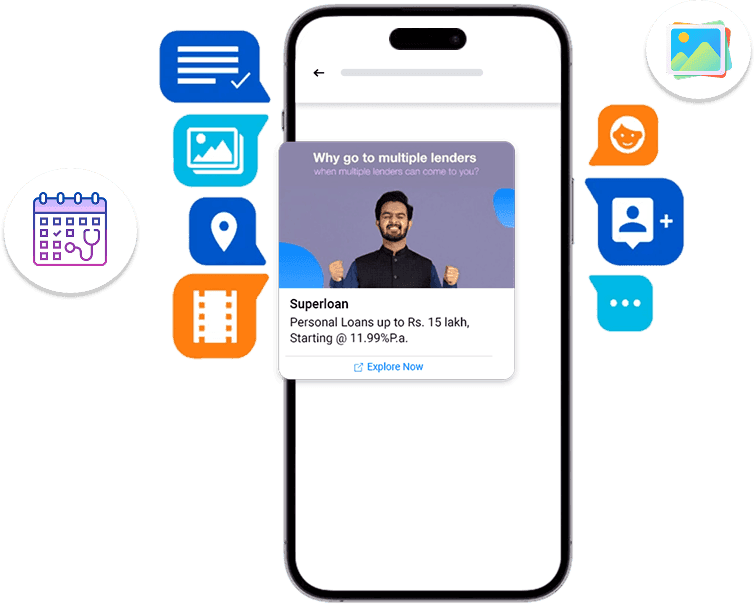
Seamlessly onboard, connect with customers, and grow your business on WhatsApp.

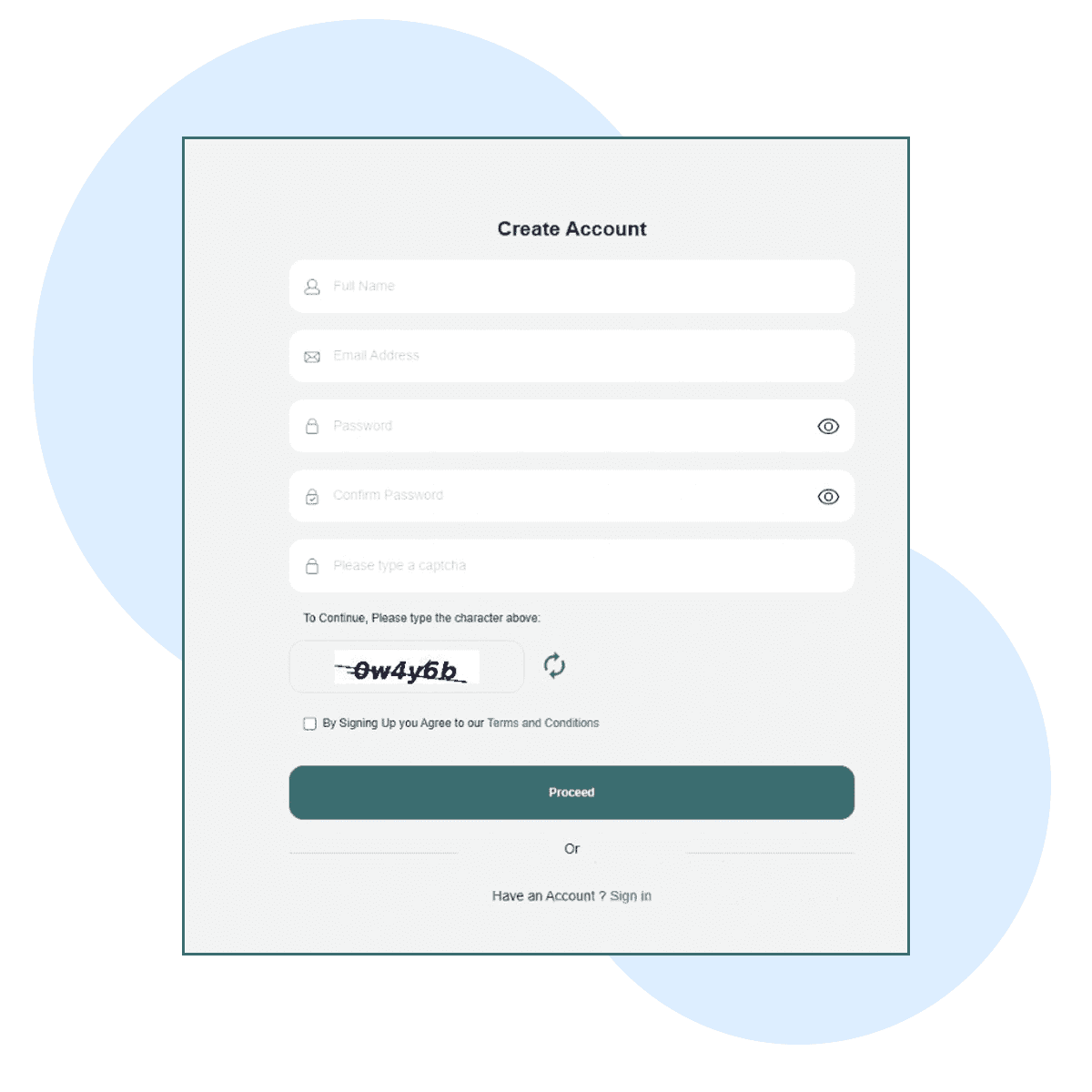
Go to whatsapp.mtalkz.com. On the signup page, fill in your details and click Sign Up to create your account.
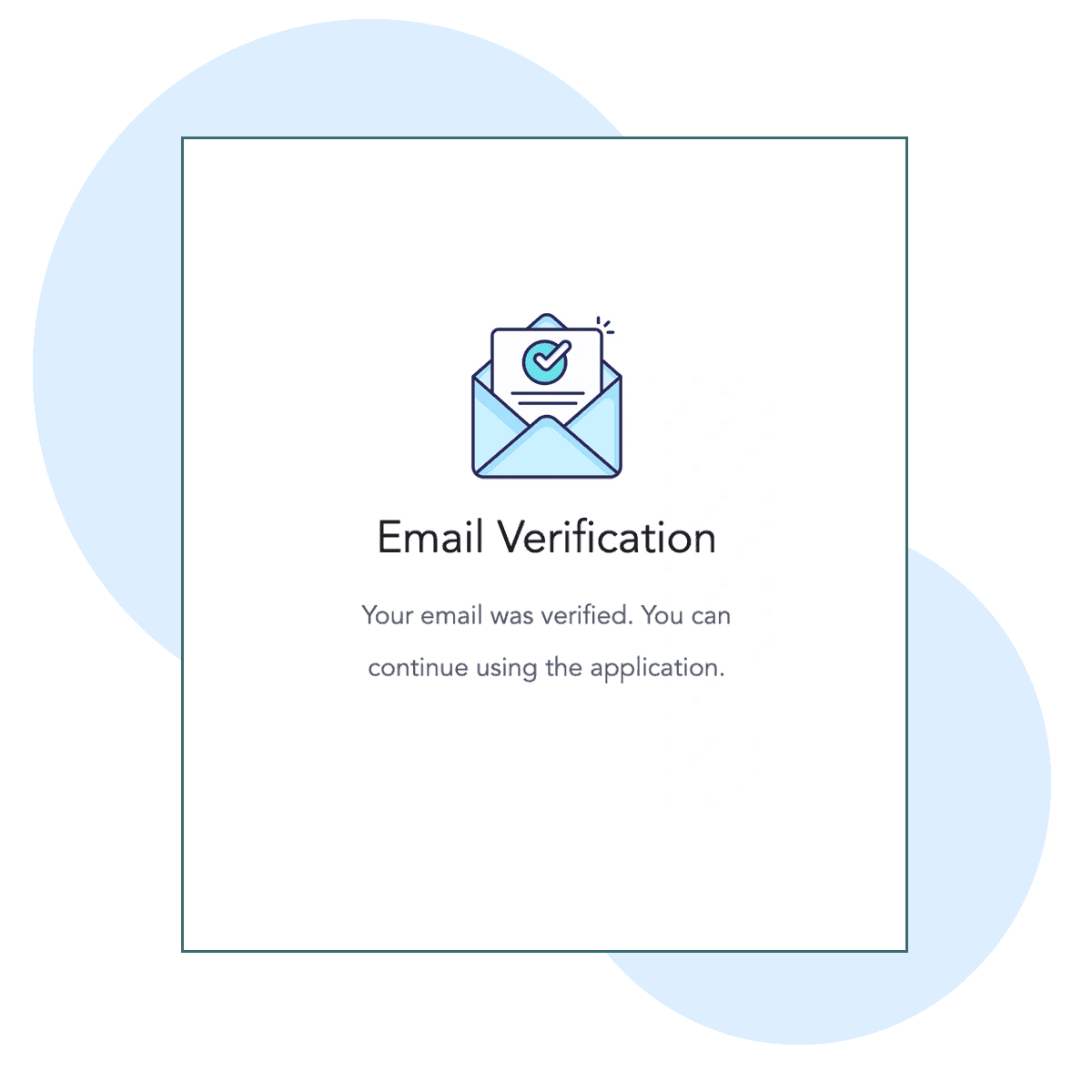
Check your email inbox for a verification link. Click on the link to confirm your email address and activate your account.
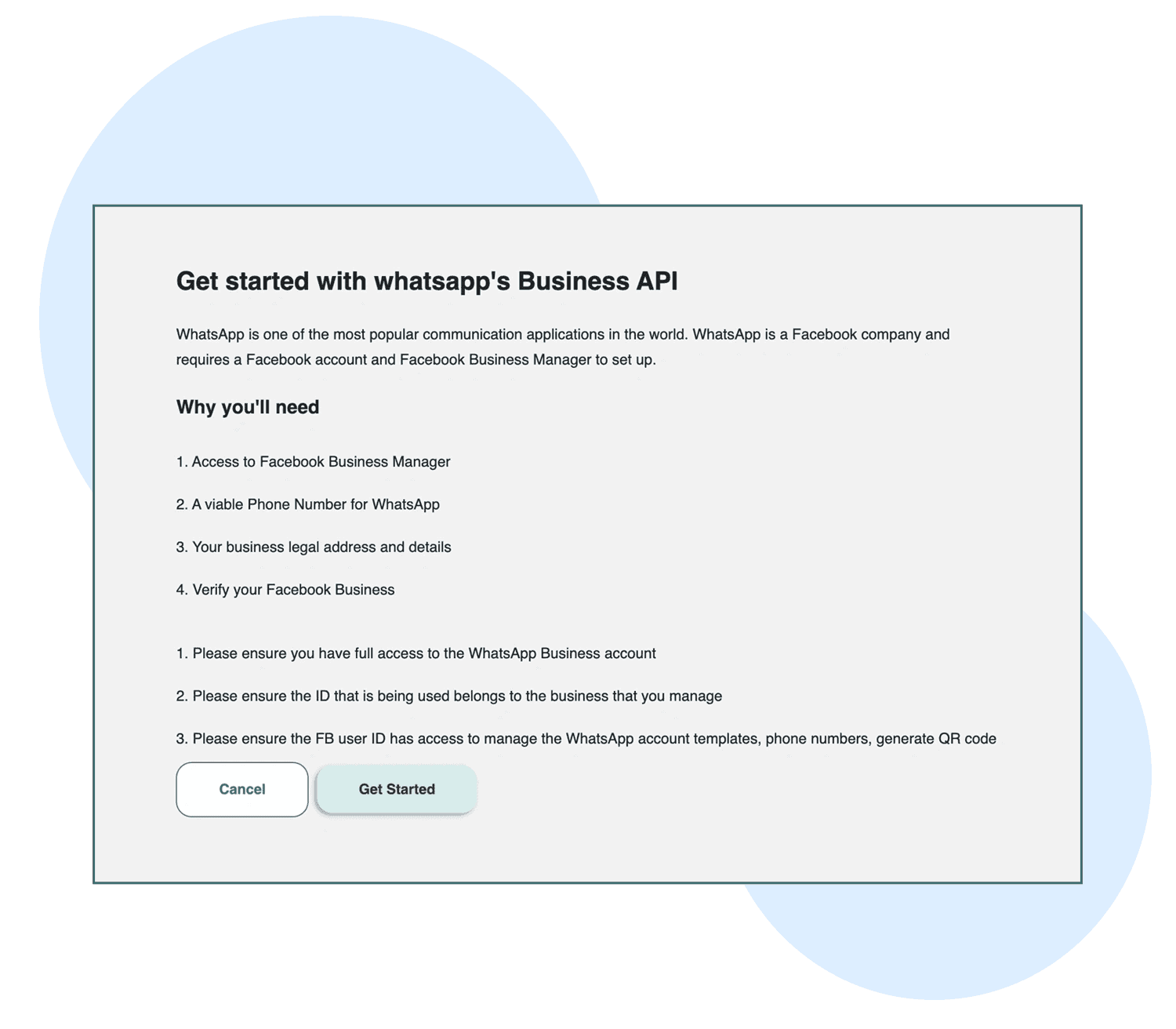
After verification, log in to your account. To proceed with onboarding, ensure you have the following:
Access to Facebook Business Manager
A valid phone number for WhatsApp
Your business's legal address and details
Facebook Business verification
Important Notes:
You must have full access to your Facebook Business Manager account.
The Facebook ID used should belong to the business you manage.
The Facebook user ID must have permissions to manage WhatsApp account templates, phone numbers, and QR codes.